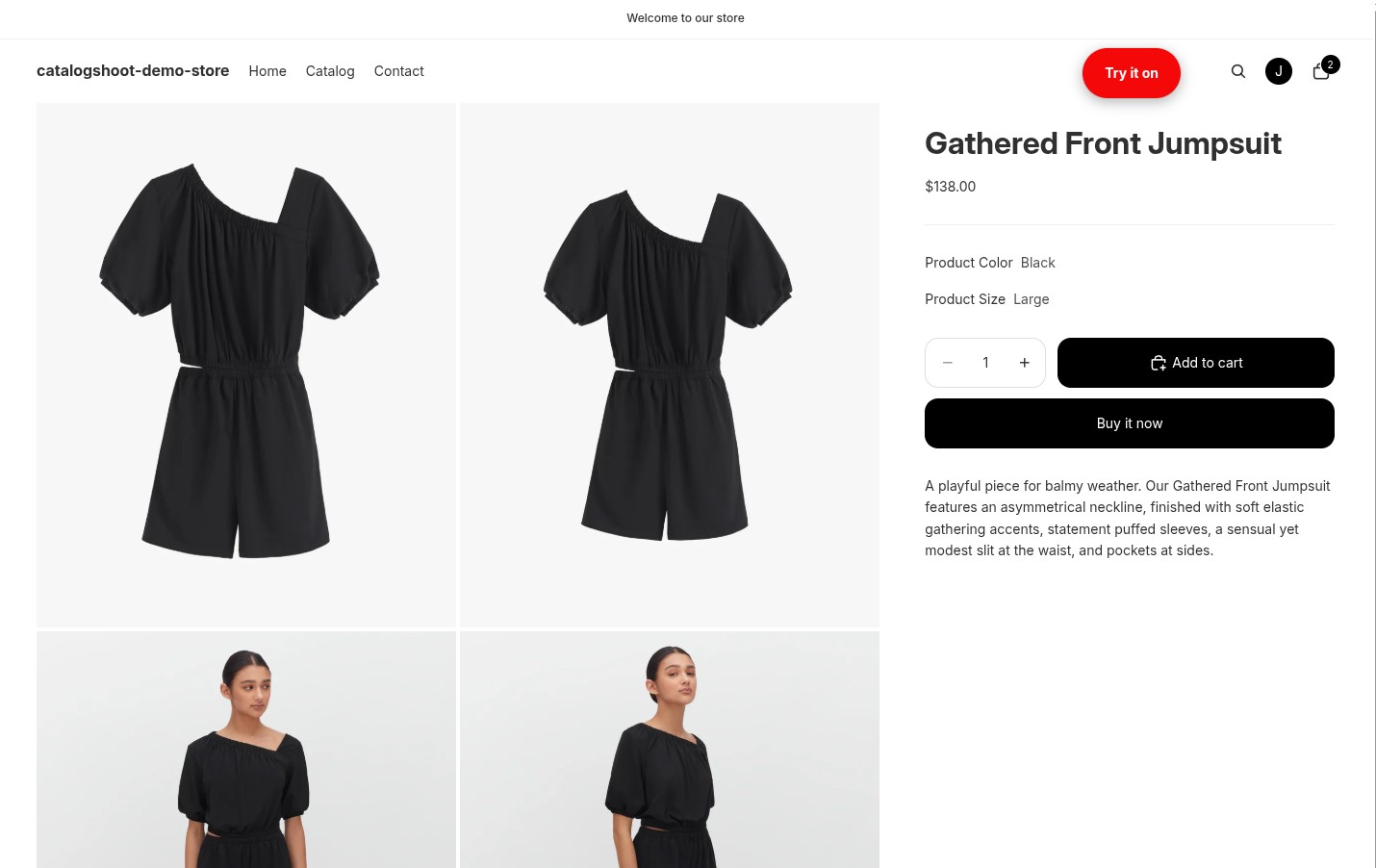
Try it on
Upload a photo. See the fit. Buy with confidence.
Shoppers who can see how a garment looks on them convert more and return less — "it didn't look like I expected" is the number-one reason apparel comes back.
Upload one flat product shot. CatalogShoot generates studio-quality photos on real-looking models and short product videos that move — and lets your shoppers upload a selfie to try the garment on themselves. More sales, fewer returns, no shoot day.
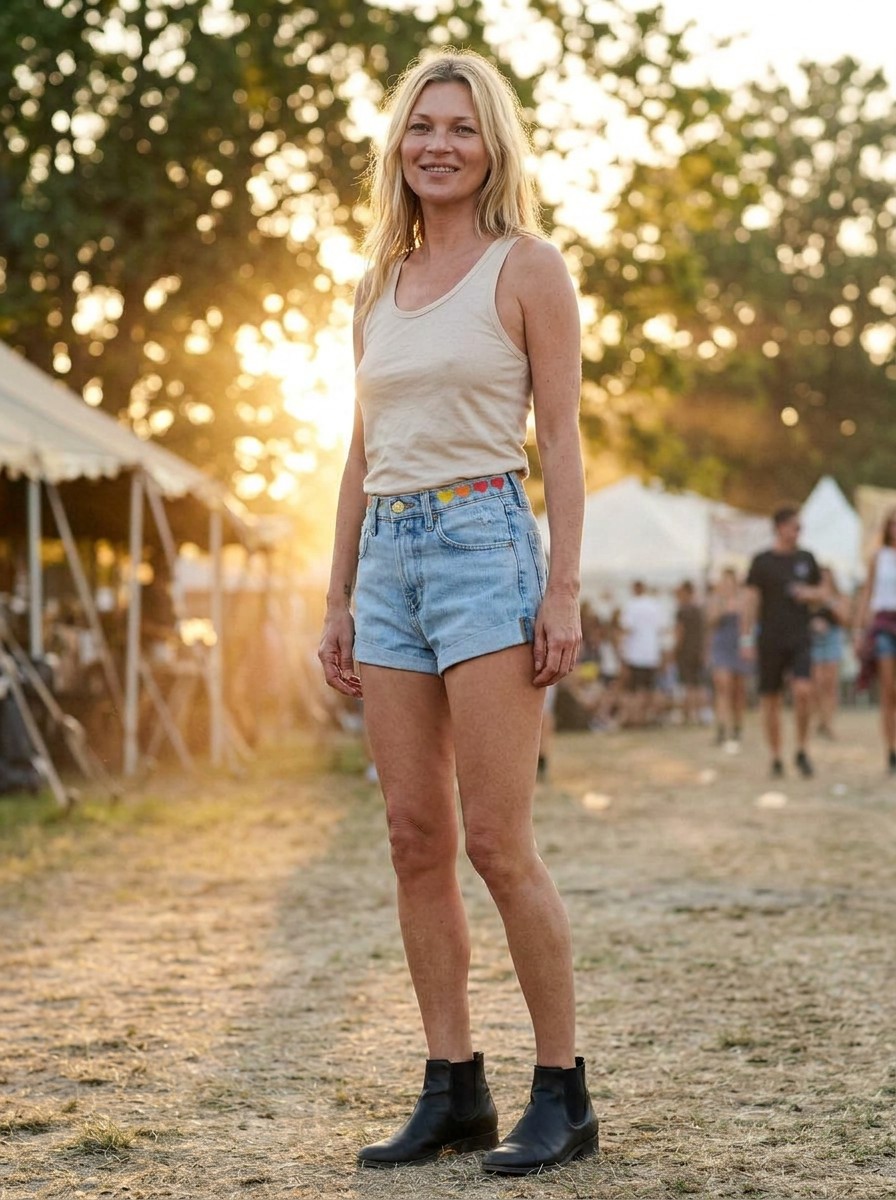
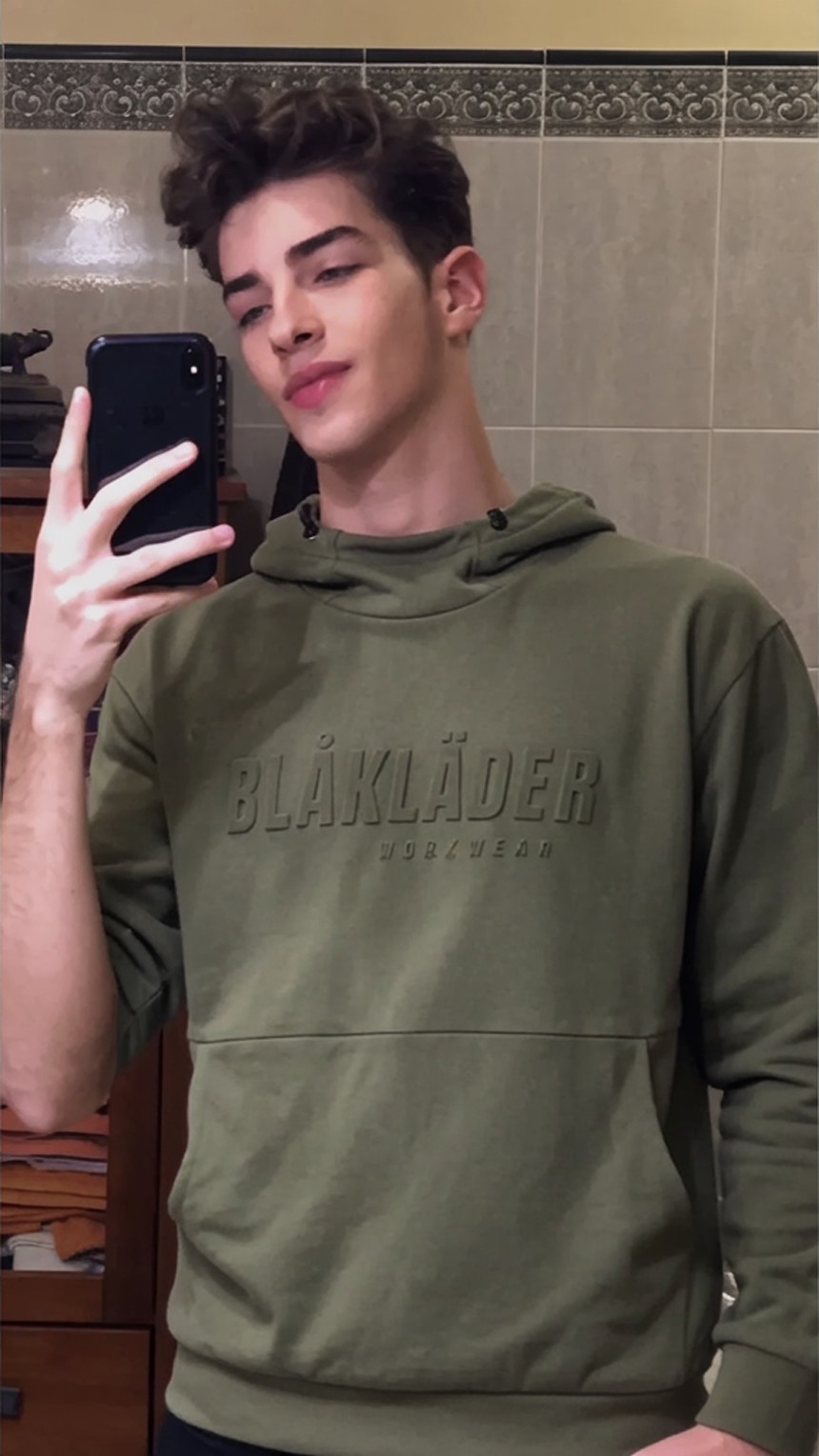
One tap opens a try-on. The shopper uploads a photo, sees your garment on their own body, then adds to cart or saves and shares the look. No app to download, no friction.
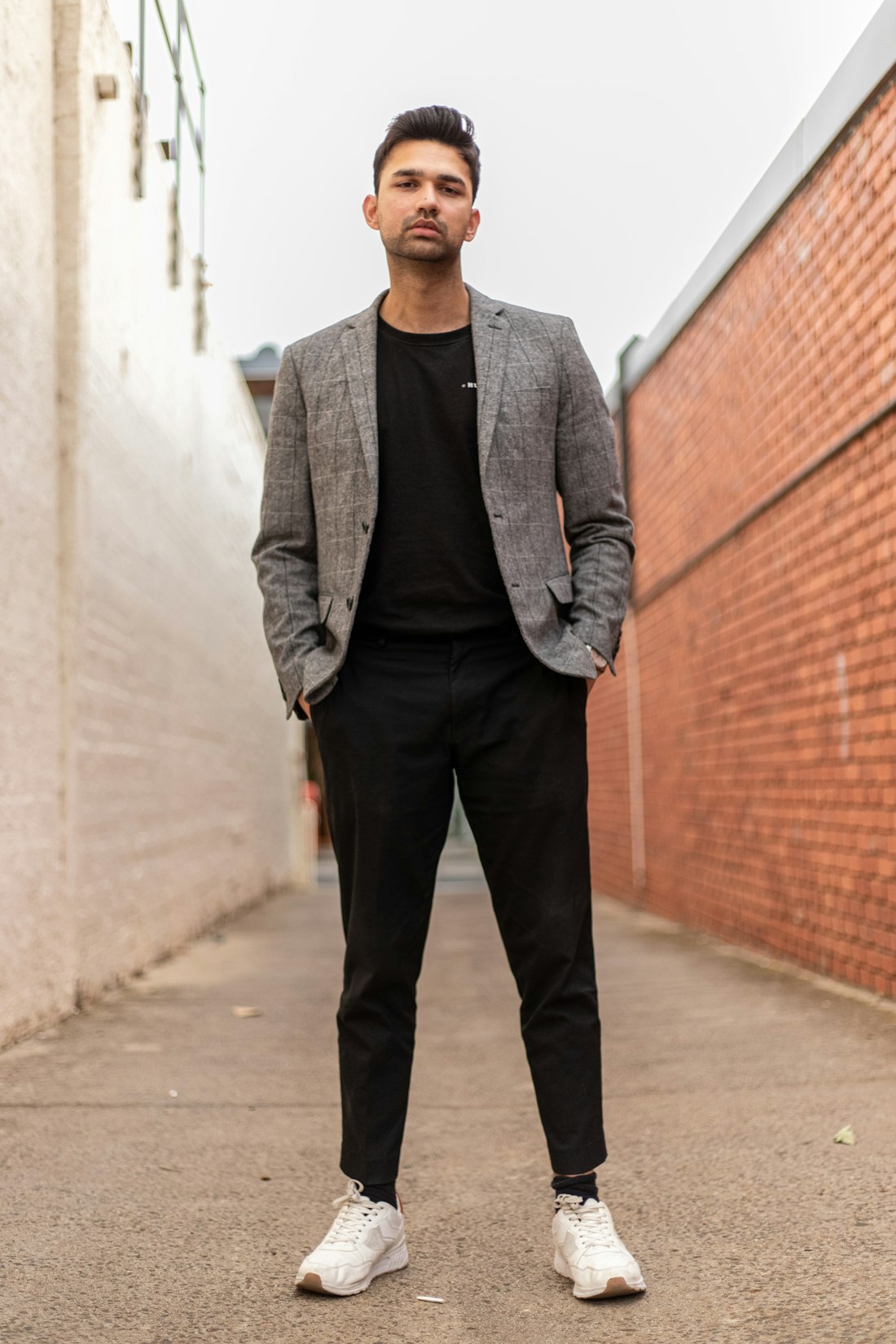
Shoppers who can see how a garment looks on them convert more and return less — "it didn't look like I expected" is the number-one reason apparel comes back.
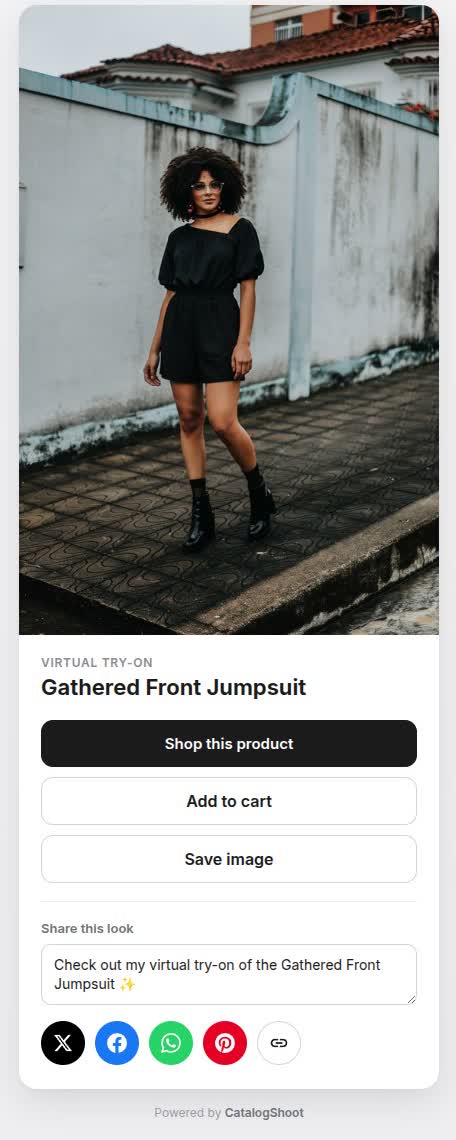
Signed-in shoppers save their try-ons to their account and share the look — turning one try-on into repeat visits and word-of-mouth.
No theme surgery and no separate dashboard — install, switch on the products you want, and you're running on your storefront.
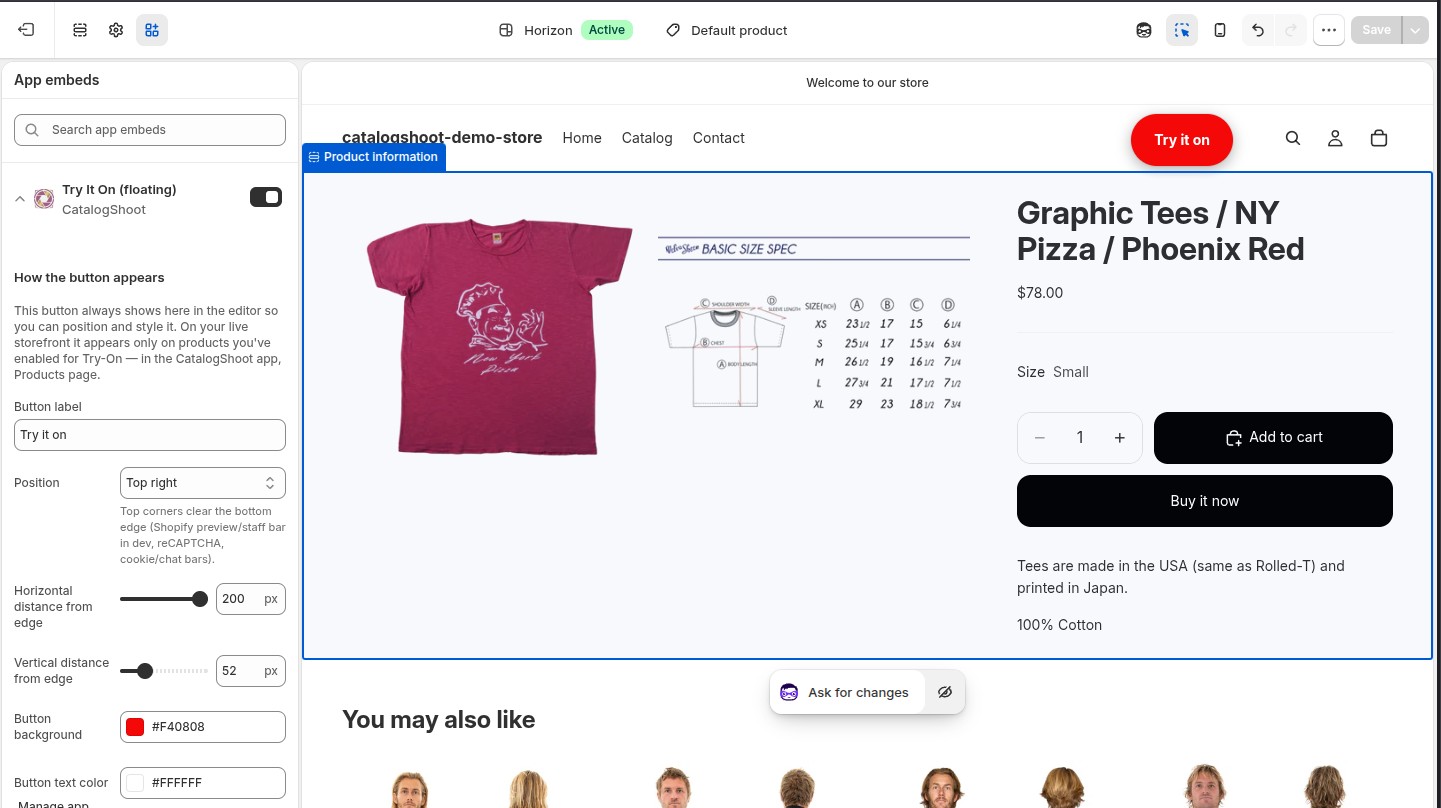
Add CatalogShoot and switch on try-on for the products you choose — one toggle, no theme editing.
The "Try it on" button appears on those product pages. Shoppers upload a photo and see the fit.
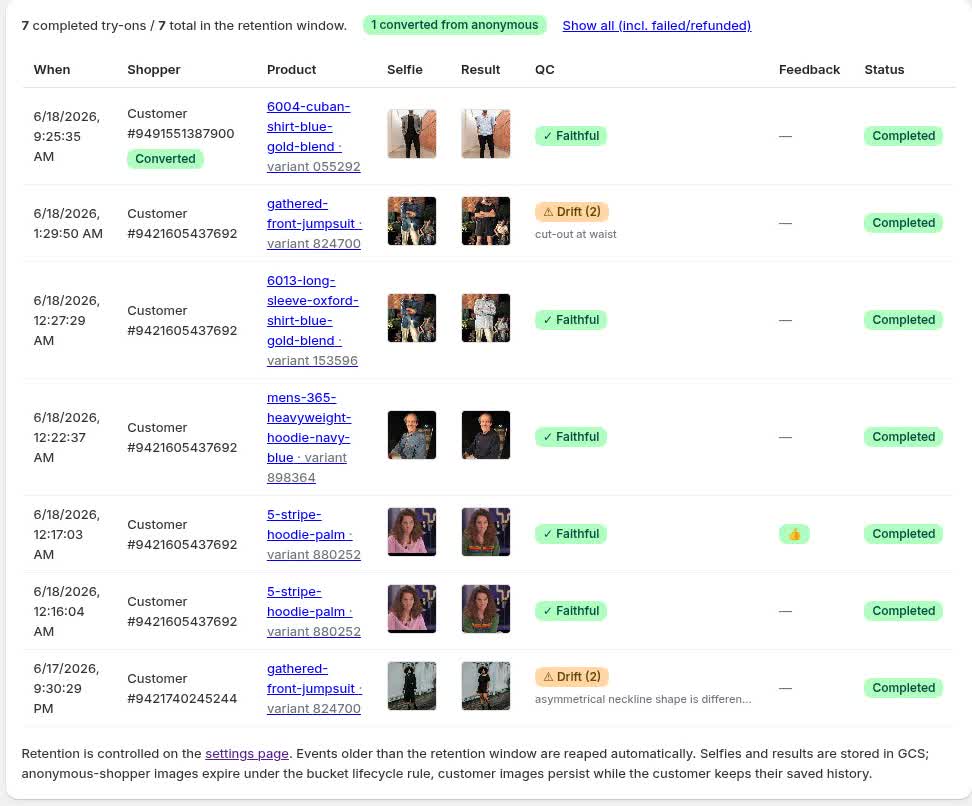
Create on-model catalog photos, and watch try-ons turn into sales in your dashboard.
Every try-on lands in your dashboard, so you can see what shoppers love and what's converting. A built-in flywheel gives anonymous shoppers a free try, then invites them to sign in for more — growing your customer list while they shop.
Photos aren’t photos
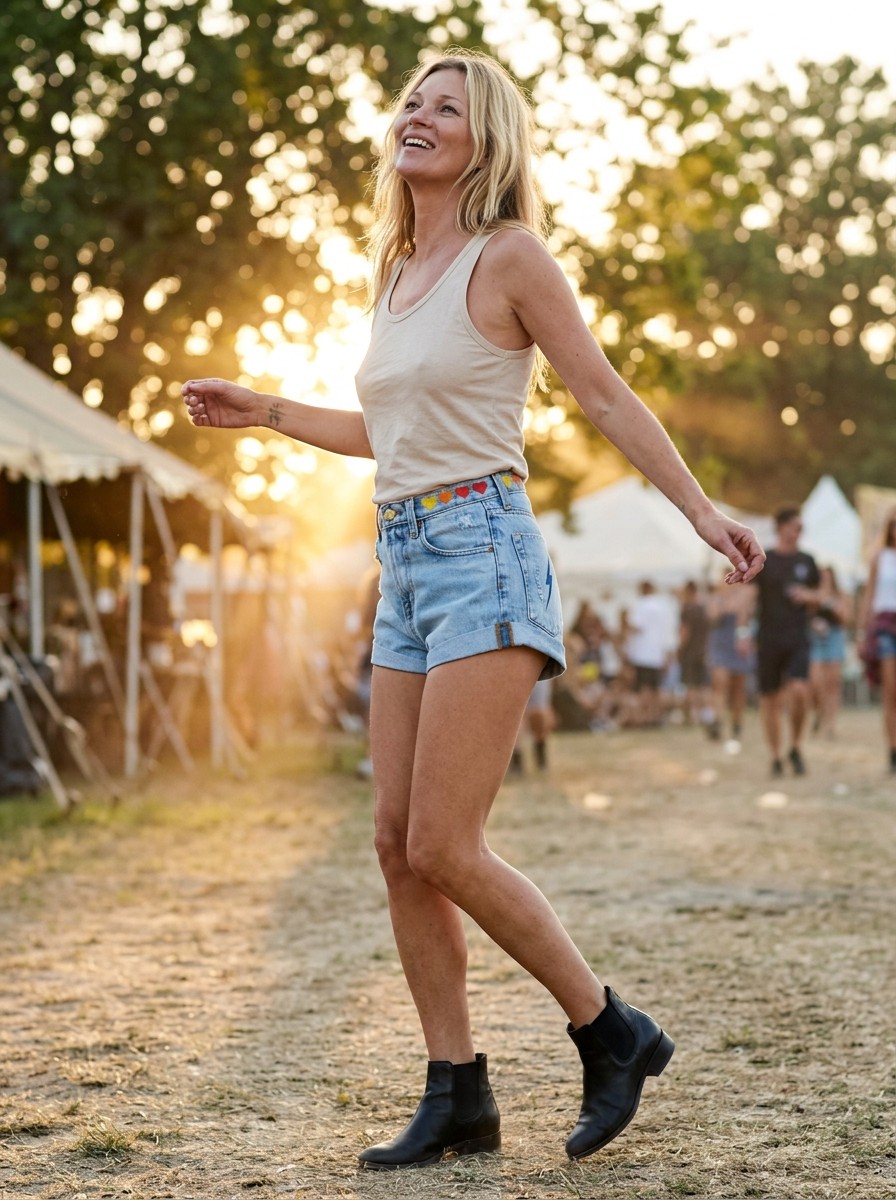
Scene, light, pose, styling — you steer them all, and remix any look until it’s the shot you’d have booked a crew and a location for. A photoshoot you direct, not a garment pasted on a model.
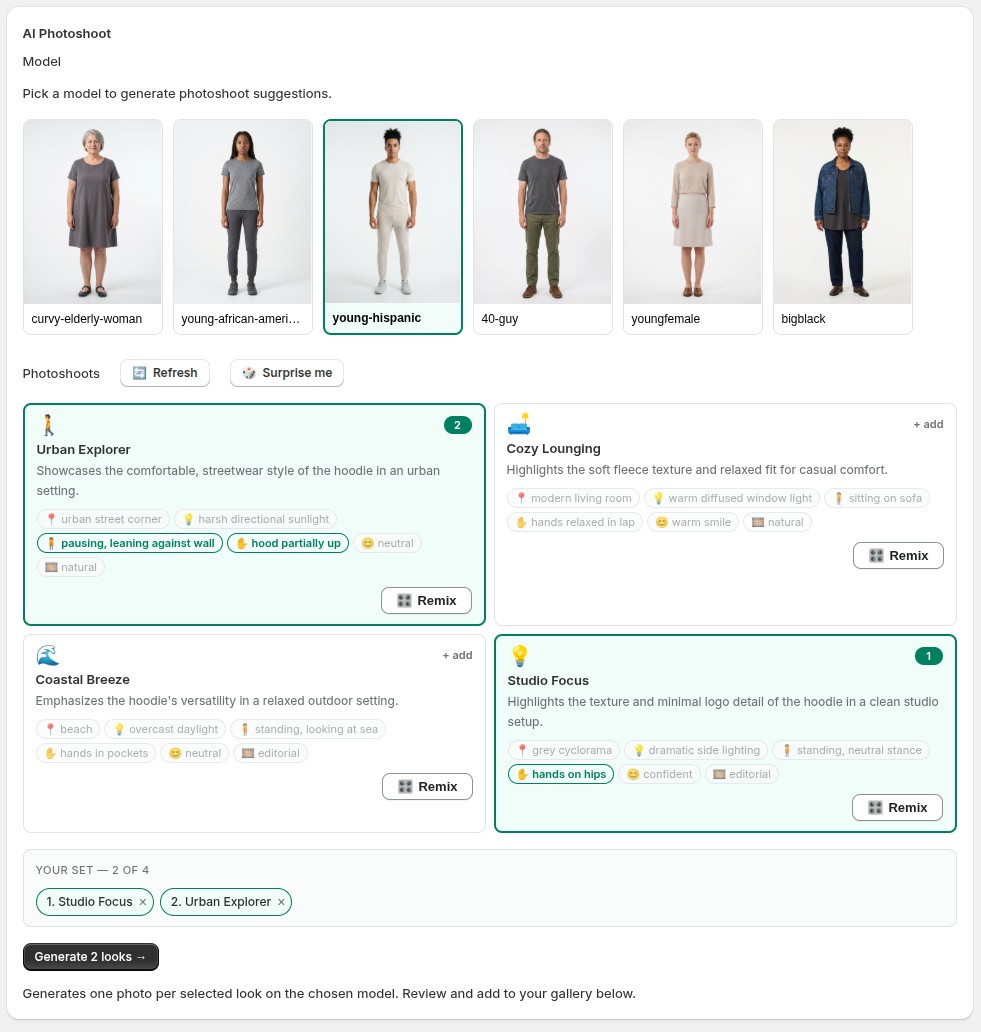
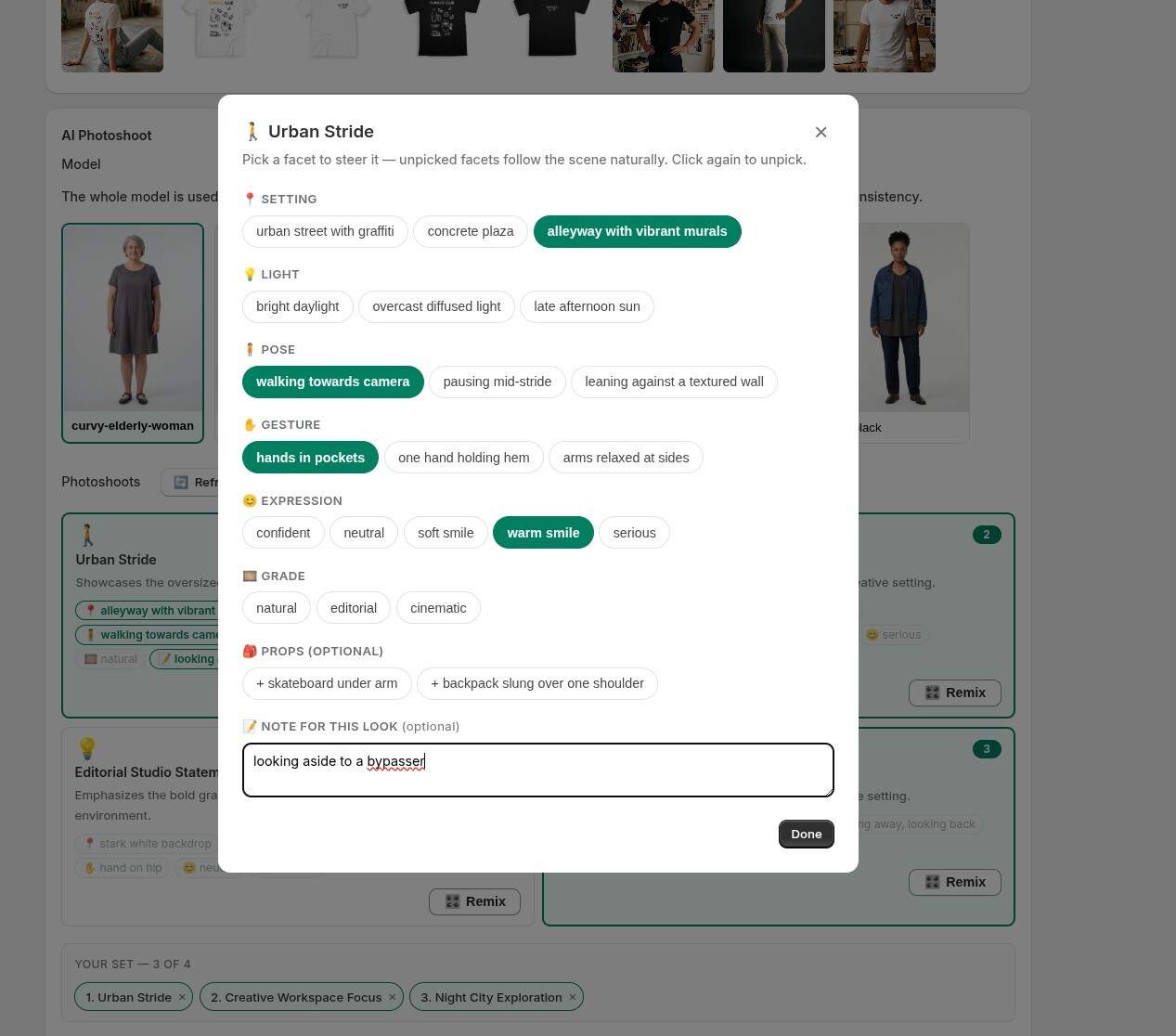
Use any product image already in Shopify — one at a time, or many at once.
Choose from your saved model library or generate a new one, then set the pose.
Review the results and add the keepers straight to your Shopify product gallery.
Build a reusable library of models that fit your store — generate one from options, or upload a real person's photo. Then every photoshoot is styled for the model you pick.
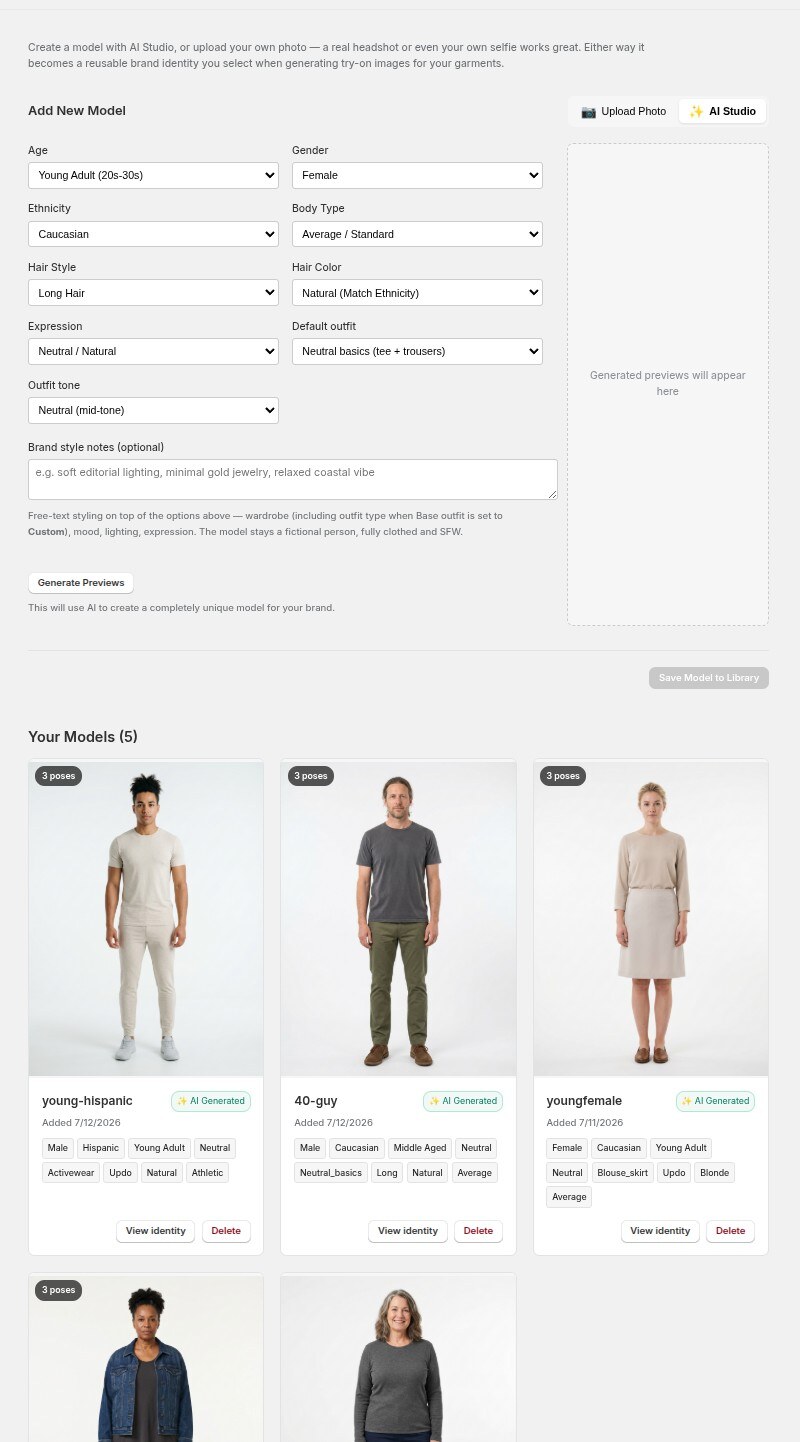
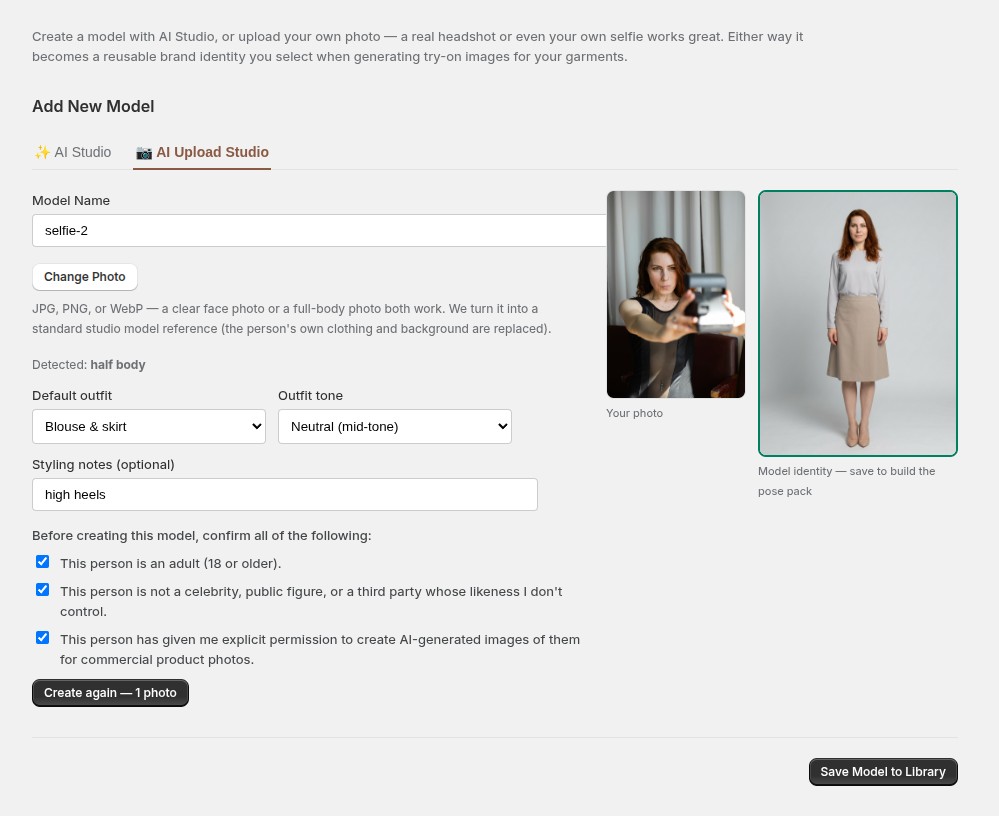
Set age, body type, ethnicity, hair and outfit. Diverse, inclusive, garment-faithful — not generic stock looks.
A face photo or full-body shot of you, a colleague or your fit model — we turn it into a clean studio identity with a full pose pack.
Pick a model first and every shoot idea is styled around them — the settings, poses and energy a stylist would actually choose.
The models you build power short product videos too — a turn to show the back, a hood adjusted, a full spin. Real clips generated for a store, no film crew.
From one flat product photo — on-model shots in believable settings, back-and-detail reveals grounded on your own gallery, and lively in-scene moments.
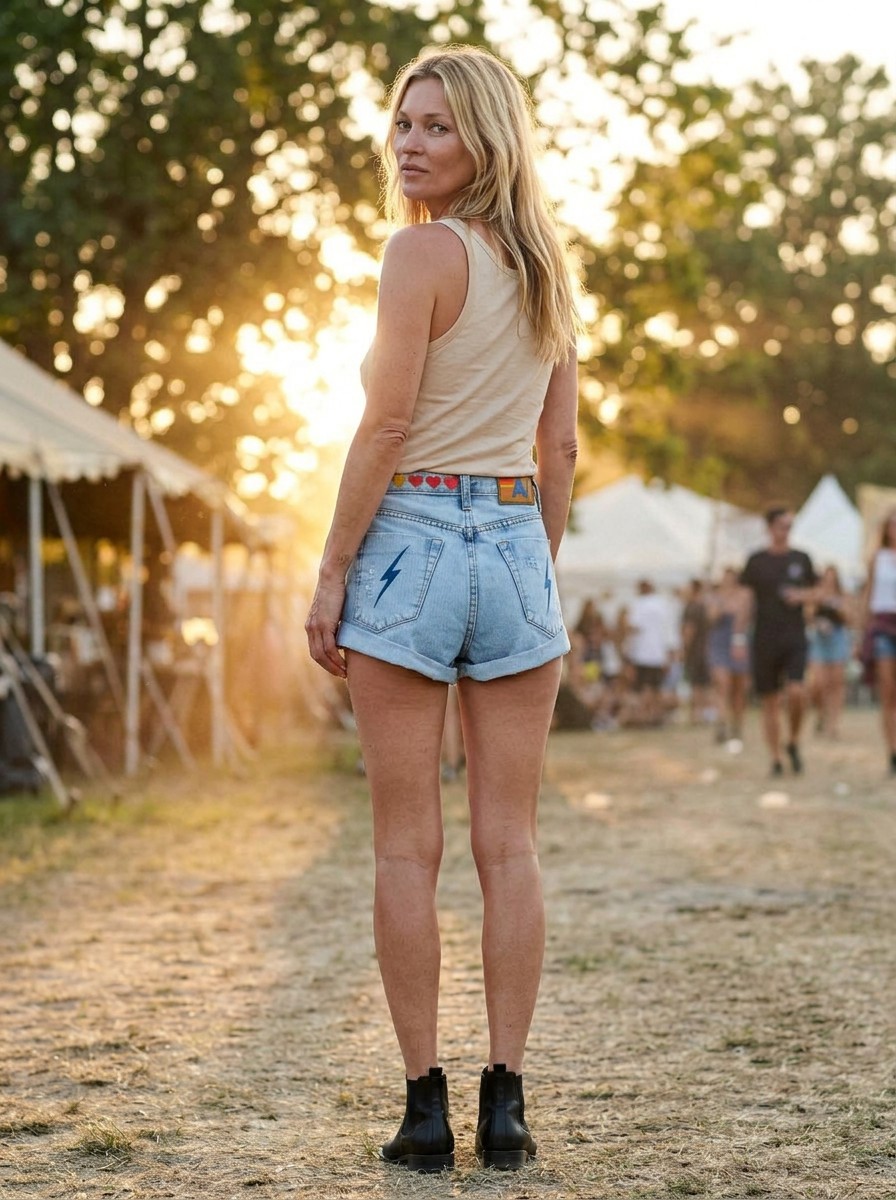
Turn any generated photo into a short product video. Pick a motion, preview the end frame, and generate — a Reels-ready 9:16 clip plus free Instagram and Square crops, published straight to your Shopify gallery.
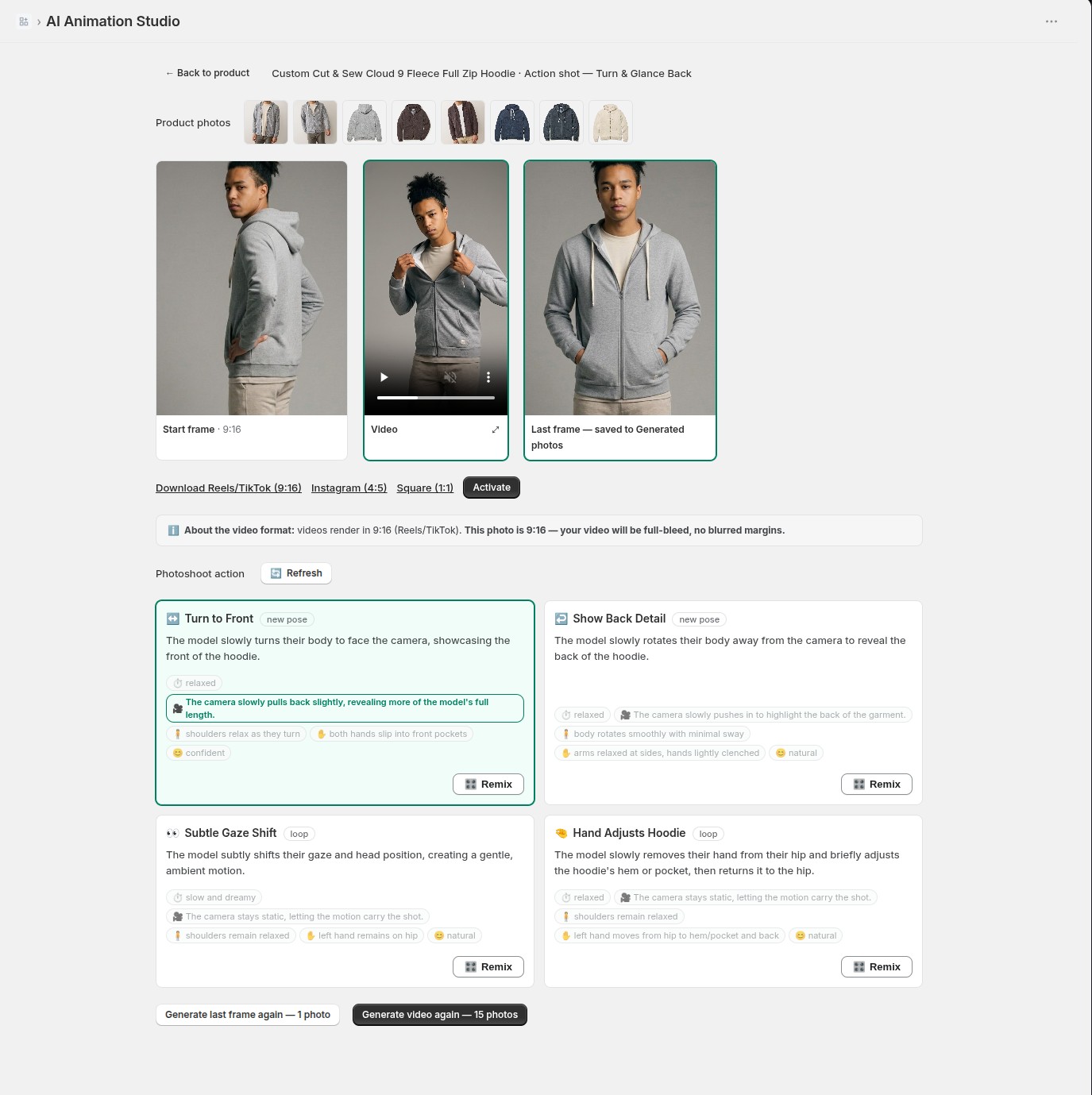
A slow turn to show the back, a confident step, a subtle shift — each motion is suggested for your photo and garment. You approve the reference frame before the video renders, and remix the pace, camera and gaze like you would a look.
A 6-second, 1080p 9:16 master for Reels and TikTok, with free Instagram (4:5) and Square (1:1) crops — download them, or activate the video into your product gallery in a click.
Why CatalogShoot
Most tools do one thing and live in a separate dashboard. CatalogShoot runs where you already work — the admin and your storefront — and covers the photos you publish, the videos you post, and the try-on your shoppers use.
Every plan is a low monthly base plus your photo generations — a block included free, then a per-generation rate that drops as you scale. Billed through Shopify.
All plans billed monthly through Shopify. A photo generation is one AI-generated image. Generate a model and get a 3-angle pose pack (front, ¾, profile) for one photo generation. An AI video is a 6-second vertical (9:16) clip and counts as 15 photo generations.
Ready to let shoppers try it on?
Start with the products you already have. Turn on try-on, generate your catalog photos, and let fit-confidence do the converting.
Add to Shopify