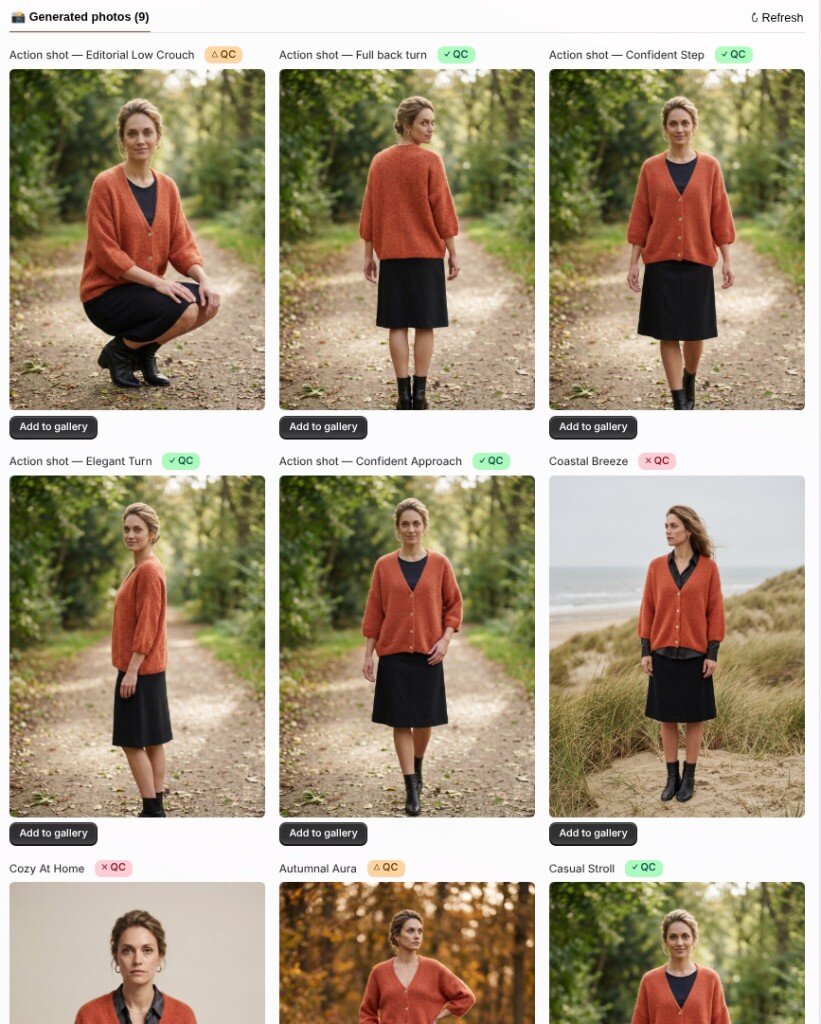
Every generated photo now carries a quality check against the product photos we actually used. Hover the badge to see what we looked at. ✅
✓ QCIt matches.
△ QCWe raised a note, then judged the photo usable.
✗ QCSomething may have drifted: a missing detail, an invented one, or a construction that can’t exist.
The check is strict, and it isn’t always right — a badge is a hint, not a veto. On a red check you can tap Fix. A repaired version appears next to the original — we never overwrite the first shot, so you keep whichever is better. It’s best-effort (1 photo from your plan); how well it lands depends on the product photos we have to work from.
You’ll see the same badges on the generate page, in the lightbox, in Generated photos, and on poses in the Animation Studio.